01
Now playing, always in reach
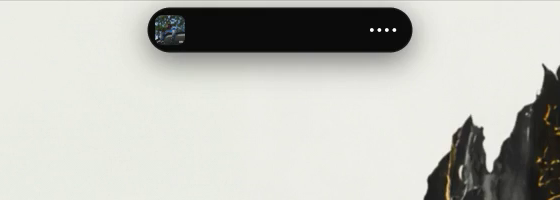
Any app or site that reports media to Windows. Spotify, YouTube, Apple Music, YouTube Music, VLC.
Windows 10 and 11
Now playing, volume, battery and notifications in one fluid pill at the top of your screen. It opens when you rest your cursor on it and gets out of the way when you work.
Free tier in Store review. Founders price on Pro for the waitlist.
No ads, no nagsNo accountNothing leaves your PC
CPU when idle
They draw into a layered window and push every pixel through the CPU. NotchPixel hands its surface to DirectComposition, the path Windows uses for its own animations, and goes to sleep when nothing moves. Measured on an Intel UHD 620 laptop: 0.0% idle, 13 MB in Task Manager.
Six moments
Everything below was recorded from the app on a laptop, the wallpaper included.
01
Any app or site that reports media to Windows. Spotify, YouTube, Apple Music, YouTube Music, VLC.
02
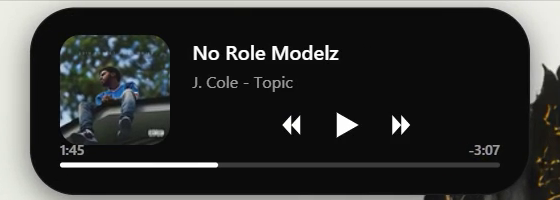
Play, skip and scrub. The album art slides between layouts instead of fading, on a spring tuned to 0.42 s.
03
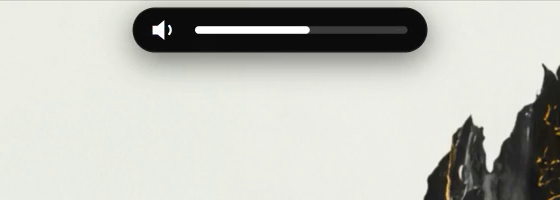
Replaces the grey box in the corner. Brightness keys too.
04
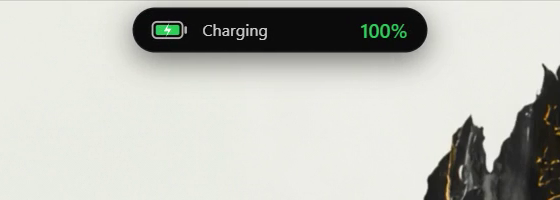
Charging, unplugged, low battery and critical, without a click.
05
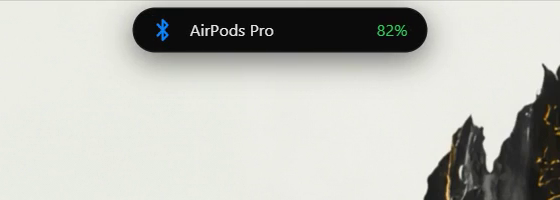
Bluetooth connects and disconnects, with the level when the device reports one.
06
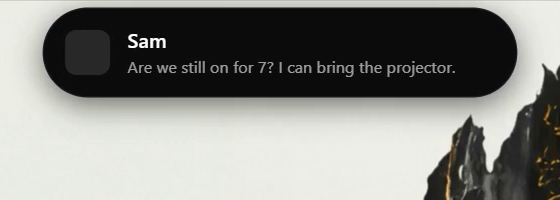
New messages show in the island. Click one to open the app.
Out of the way. On purpose.
Idle CPU
0.0%
Sleeps on the DXGI latency handle when nothing is animating.
Memory
13MB
Private working set after use, the number Task Manager shows.
Refresh
240Hz
Frames pace to your monitor, whatever it runs at.
Spring
0.42s
Open response, damping 0.8. The same curves the best Mac notch apps use.
Pricing
No ads, no nags, no subscription. Pro is a lifetime license for three PCs with every 1.x update, sold on this site.
Free
$0
Pro, one time
$19$12FOUNDERS
Founders price for the waitlist, first 14 days after launch.
Questions
Windows 10 version 2004 (May 2020) and later, and Windows 11. Any DPI, laptops and desktops, one or more monitors.
Anything that reports media to Windows: Spotify, YouTube and other sites in Chrome, Edge and Firefox, Apple Music, YouTube Music, foobar2000, VLC and more. If the Windows volume flyout shows your track, NotchPixel does.
No. In a fullscreen game the island hides itself completely, and it never uses the overlay window flags anti-cheat systems look for.
No. NotchPixel makes no network requests. Media, battery, Bluetooth and notification information is read from Windows on your PC. See the privacy policy.
No. NotchPixel is an independent app and is not affiliated with, endorsed by or sponsored by Apple Inc. Dynamic Island is a trademark of Apple Inc.
They draw with layered windows that copy every frame through the CPU, which is why they lag and show up in Task Manager. NotchPixel composites through DirectComposition, idles at 0% CPU, hides in games, and does not block your browser tabs.